ocal documentation
ocal is a program for the calculation of the orbital tail fraction (OTF) of
organic semiconductor molecules.
Overview
Starting from a molecular or crystal structure file, ocal generates a Gaussian
input, runs a geometry optimization, converts the checkpoint file, and generates
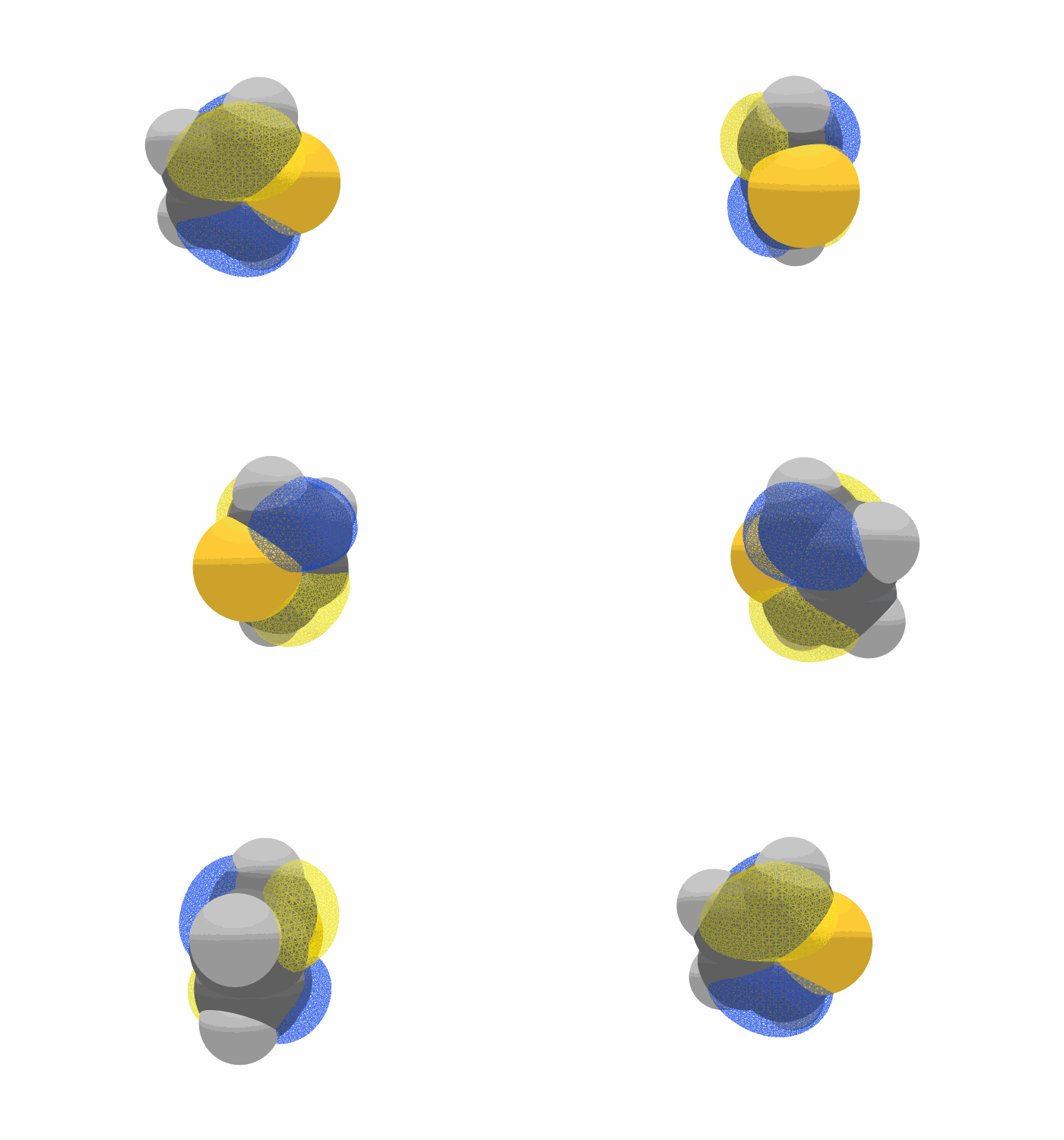
molecular-orbital cube files for the four frontier orbitals (NHOMO, HOMO, LUMO,
NLUMO). For each orbital it integrates the probability density over the voxels that
lie outside the van der Waals surface of the molecule, and reports that fraction
as the OTF.
The OTF quantifies how much of a frontier orbital spills out of the molecular van der Waals volume, i.e. how much of it is available for intermolecular overlap.
Note
The molecule is always treated as a neutral closed-shell singlet (charge/spin fixed
to 0 1), and the functional and basis set are fixed to B3LYP/6-31G(d,p) so
that OTF values remain comparable with previously published results.
Requirements
Python 3.11 or newer
NumPy 2.0.2 or newer
Pandas 2.3.3 or newer
Gaussian 16 (the
g16,formchk, andcubegenexecutables must be on$PATH)
Installation
ocal is distributed on PyPI under the name yu-ocal (the import name and the
command name are both ocal):
pip install yu-ocal
NumPy and Pandas are installed automatically; Gaussian 16 is not included and must be installed separately.
Verify the installation with:
ocal --help
Basic usage
ocal <filename> [options]
ocal accepts three classes of input and enters the pipeline at the corresponding
stage:
Input |
Extensions |
Pipeline stages executed |
|---|---|---|
Structure file |
|
gjf generation → Gaussian (Opt=Tight) → formchk → cubegen → OTF |
Formatted checkpoint |
|
cubegen → OTF |
Cube file |
|
OTF only |
For .fchk and .cube input, -s, --skip-gaussian is required; conversely it
is rejected for structure-file input.
Options
Option |
Default |
Description |
|---|---|---|
|
|
Number of CPUs used by Gaussian and |
|
|
Amount of memory in GB used by Gaussian. |
|
off |
Skip the Gaussian calculation and reuse existing results. |
Examples
# Full run from a molecular structure
ocal xxx.xyz

# Use 8 CPUs and 16 GB memory
ocal xxx.mol -c 8 -m 16

# Start from an existing Gaussian formatted checkpoint file
ocal xxx.fchk -s

# Compute OTF for a single cube file that already exists
ocal xxx_HOMO.cube -s
The full usage manual, including the description of the generated files and troubleshooting notes, is available in the README.